Creating tickets
Tickets are where excitement turns into attendance. We will set up types, pricing, and inventory so sales feel smooth and clear for you and your guests.
Accessing ticket types
Open your event dashboard and head to Ticket Types. This is your command center for creating, ordering, and managing every ticket option.
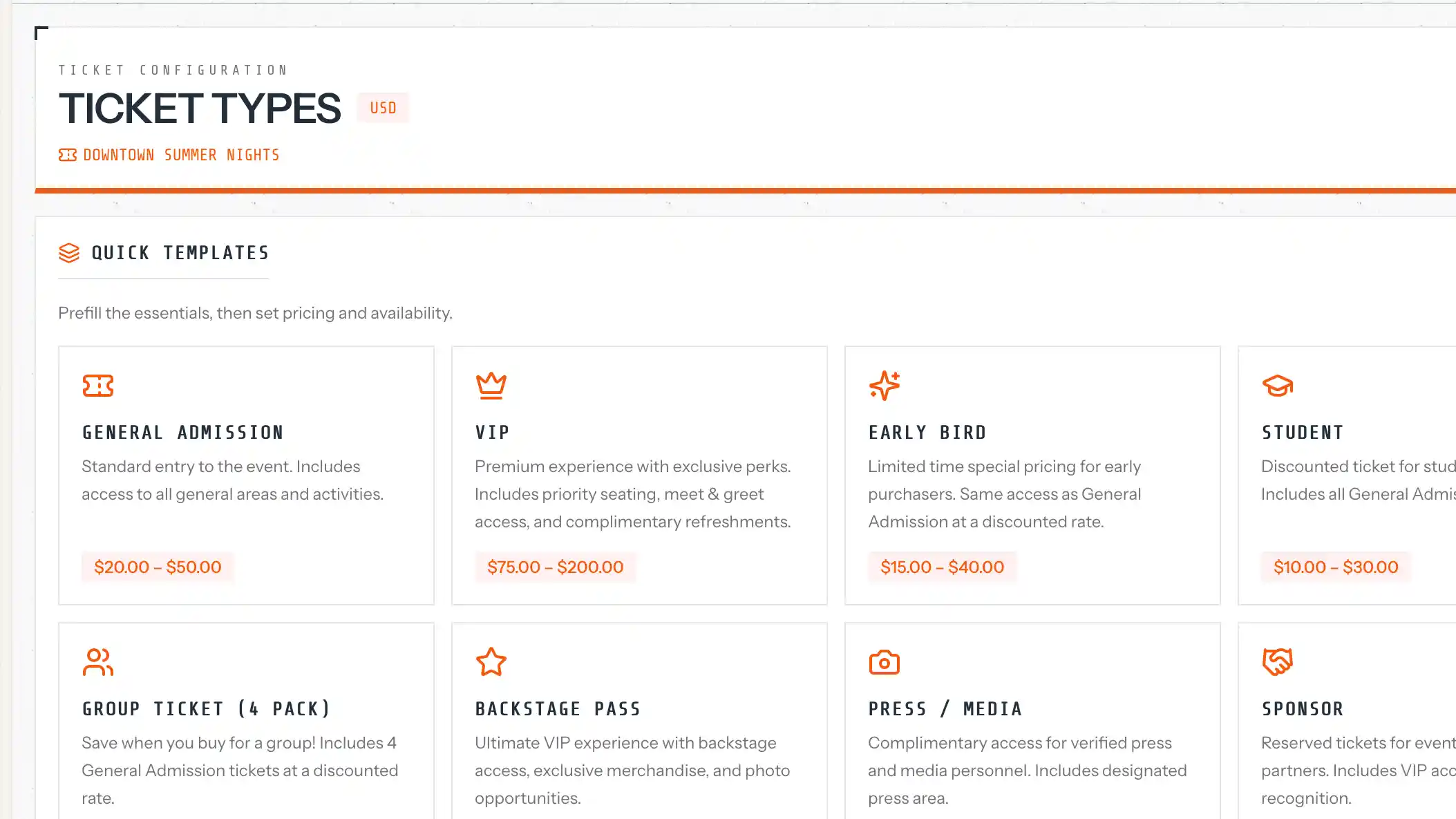
Creating a ticket type
Give the ticket a clear name and description. Set the price in dollars (for example, 25.00), and define the total quantity available for sale.
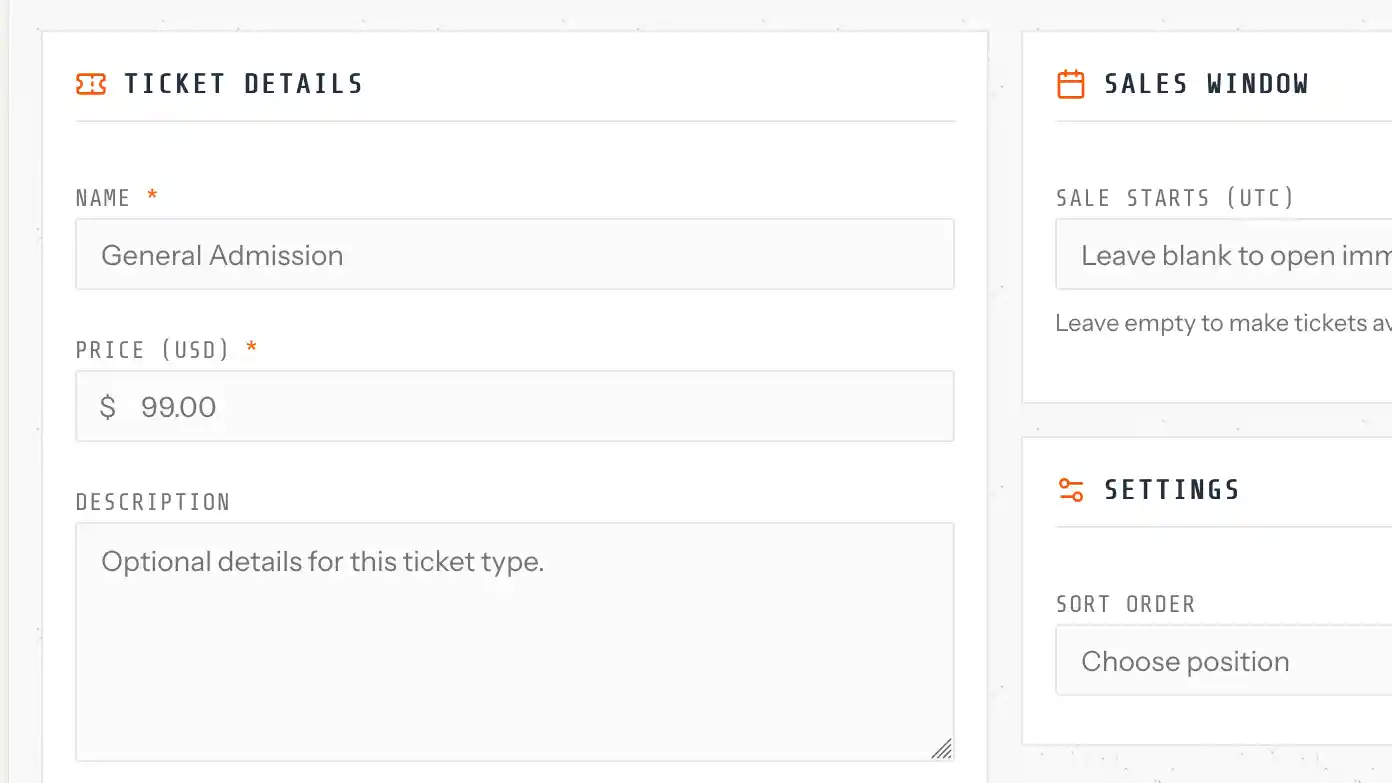
Sale windows
Use Sale Starts At and Sale Ends At to control availability. Before the window, tickets show as upcoming. After the window, sales close automatically.
Managing inventory
Quantity total is the overall limit. Quantity available updates as tickets sell. Once it reaches zero, the ticket type shows as sold out so nobody is surprised.
Ordering and visibility
Drag and drop ticket types to reorder them. Use the Active toggle to pause sales or bring a ticket back when you are ready.
Pricing notes
Ticket currency inherits from your event settings. For paid tickets, Stripe Connect must be set up so payments can be processed. You can still offer free tickets without Stripe.