Sponsorships
Sponsorships help you fund a great event and celebrate your partners. We will outline tiers, approvals, and payment steps so everything feels welcoming and easy.
Creating sponsor tiers
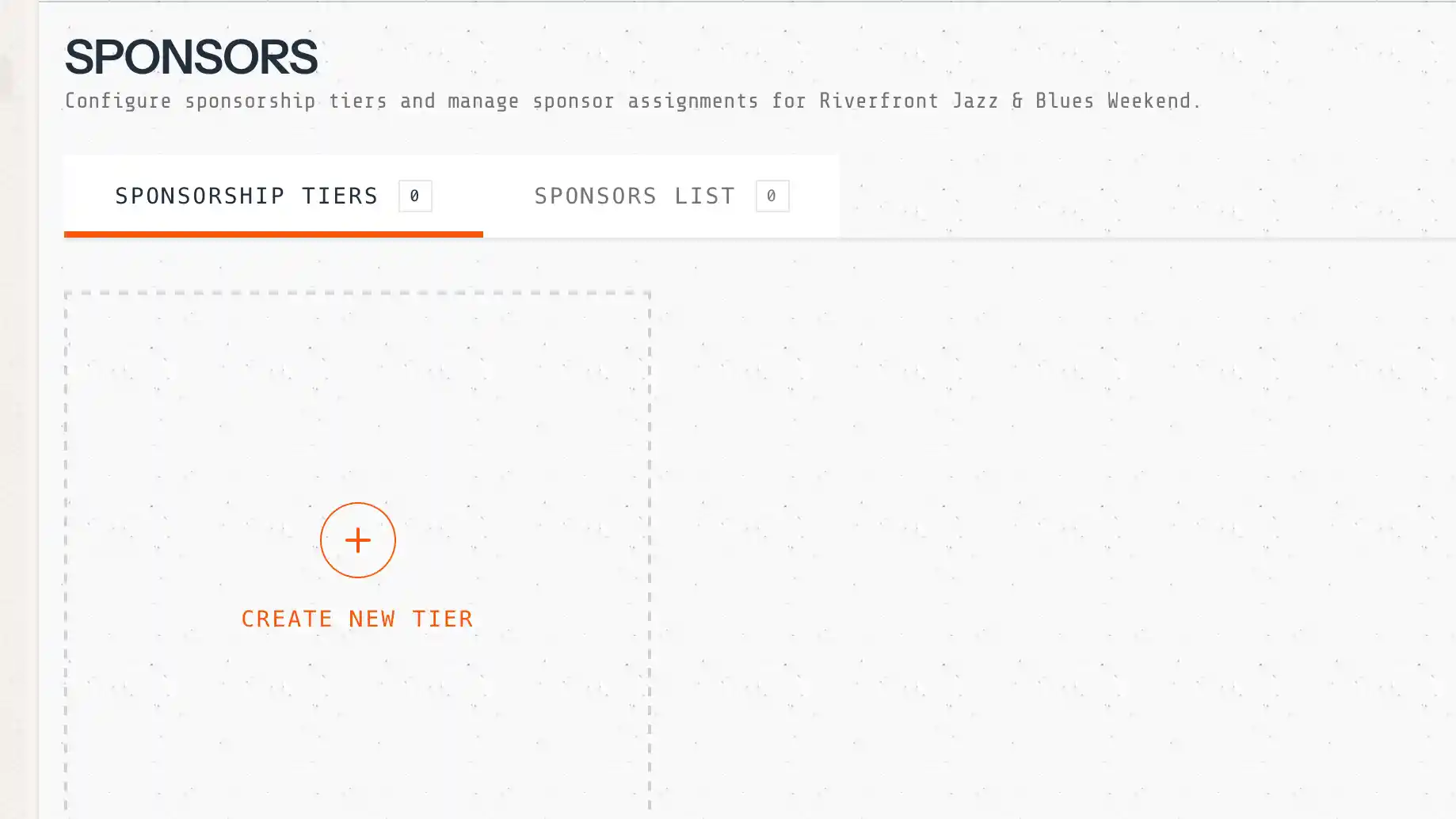
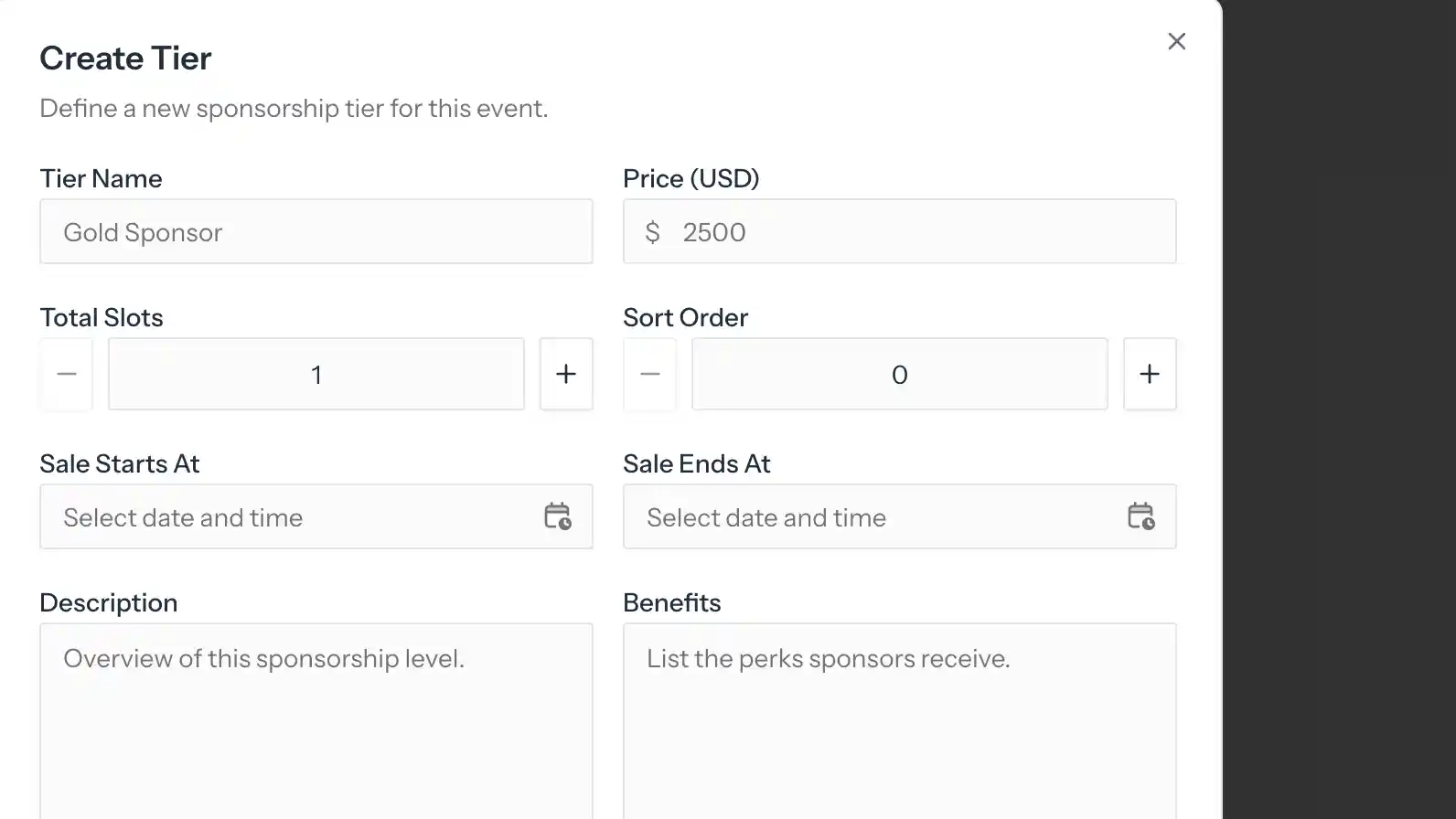
Build tiers with a name, description, benefits, pricing, and quantity. Add sale windows and use the Featured or Public flags to highlight your most important packages.
Self-service flow
Sponsors discover tiers on the public event page, reserve a tier, create an account, complete a short profile, and submit their request for approval. It is quick and guided.
Inviting sponsors
Want to add a sponsor directly? Use the admin invite flow to attach an existing sponsor. Invited sponsors are auto-approved so you can move faster.
Approval workflow
Applications move from pending to approval_pending and then approved or completed. You can approve or reject with optional organizer comments so sponsors always know what is next.
KYC checks
Automated checks review domain validity, domain age, TLD risk, email and domain match, and freemail detection. Results are visible in the sponsor approval screen so you can act quickly.
Payment flow
After approval, sponsors have a 48-hour payment window. Organizers can also mark an offline payment if a sponsor prefers an invoice or wire transfer.
Sponsor profile
Sponsors complete their profile with a name, description, website, logo, contact details, and social links. This information powers the public sponsor area automatically.